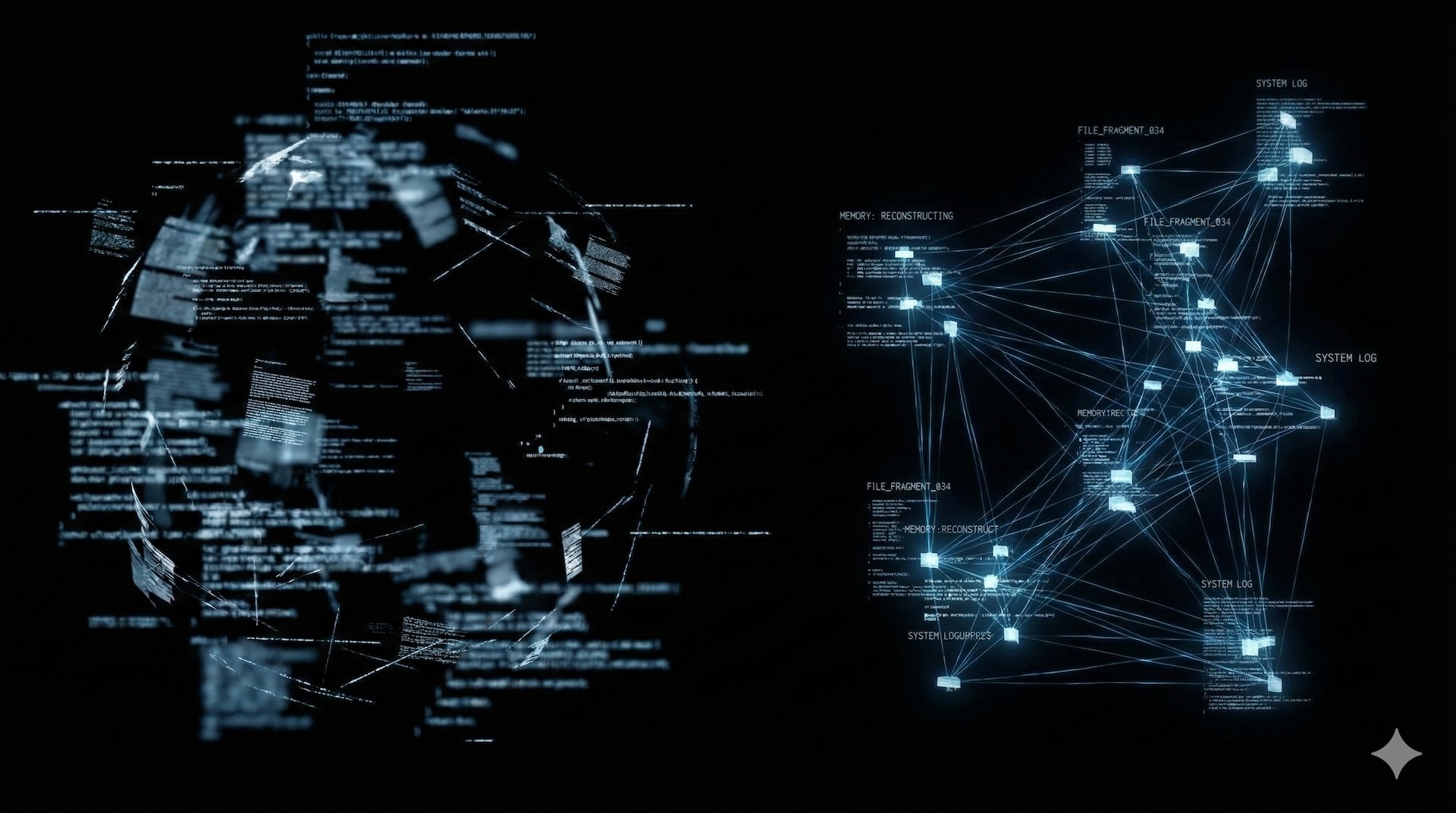
You wake up. The screen is blank. Years of work, research, personal notes, everything you knew about yourself: gone. You don’t remember what you lost. You just know something is missing.
I’ve been here. Twice.
Fragmented Memory
- First PC. The instinct was immediate: organize everything. Personal notes. Ideas. TTRPG campaign materials. Finance tracking. Scanned documents. The brain needed an external backup. A second self, stored in silicon.
Microsoft Office. Local folders. Meticulous organization.
Then the first hit.
Defective HDD case. Electrical fault. Two drives. Burned. Everything inside: ash.
Rebuilt. Learned nothing.
Second hit. Ciampino airport. Rome. Luggage stolen. Inside: laptop. External backup drive. Both gone. Same moment. Same bag.
Standing in the terminal. Watching the empty carousel spin. Realizing the redundancy was an illusion. Two copies, zero distance. A single point of failure I’d designed myself.
Running to the Cloud
Survival means adaptation. Stop trusting hardware. Move to the network.
Dropbox first. Then Google Drive and Docs. The promise: your files, everywhere, always. The reality: your files, in someone else’s building, under someone else’s rules.
Then Notion. Powerful. Beautiful. “Content agnostic” blocks that could hold anything. I built systems there. Databases. Wikis. Project trackers.
But something gnawed at the edge. Proprietary format. Vendor lock-in. If Notion dies, if they change terms, if they get acquired by someone hostile, what then? Export exists, but it’s a translation, not the original. You’re renting your own thoughts.
The paranoia grew. Every system I didn’t control was a system that could betray me.
The Obsidian Protocol
Obsidian . The name suggests durability. Volcanic glass. Hard. Sharp. Ancient.
What it actually is: a local-first knowledge management tool built on plain Markdown files.
Not a cloud service. Not a database. Just folders. Just text files. The format that has survived every platform war since the 1980s.
Why this matters:
- Open format. Markdown is plaintext with minimal syntax. Any text editor can read it. Any operating system. Any decade.
- Multiple interaction methods. GUI. Terminal. Scripts. AI agents. The files don’t care how you access them.
- Strong community . Plugins for everything. Templates. Workflows. People who obsess over optimization.
- Local AI integration. The capability that changed everything. More on this below.
- Easy migration. Apple Notes, Notion, Evernote: all have paths into Obsidian. The exit door is always open too. That’s the point.
Steph Ango, Obsidian’s CEO, wrote about file over app : the philosophy that your data should outlive the software that creates it. I read it and something unlocked. This was the operating principle I’d been searching for since those burned drives.
Operational Setup
Two vaults. Separate concerns.
Work vault: Lives on the work laptop. Stays there. Company context, company machine.
Personal vault: Lives on the personal laptop, synced to iPhone via iCloud. Git backup to a private repo. Redundancy with distance this time. Different physical locations. Different failure modes.
The Obsidian Web Clipper captures web content directly into the vault. Research, references, articles worth preserving. Everything flows to one place.
The AI Integration
Here’s where it gets interesting.
CLI AI agents can read and write to local filesystems. Obsidian vaults are local filesystems full of Markdown. The connection writes itself.
I use agents (Claude Code, primarily) to interact with the vault directly. Not through a web interface. Not through an API. Direct filesystem access, guided by an AGENTS.md file that provides context and rules.
The pattern:
- Working on a code project
- Agent makes decisions, encounters problems, documents solutions
- Instruct the agent to dump notes, decisions, and documentation to the corresponding Obsidian folder
- Knowledge base builds itself while the work happens
For work projects, the folder path includes the ticket ID. Context stays linked to the system of record. For personal projects, hardcoded paths. Simple routing.
The effect: documentation and context accumulate passively. The agent learns the project. I learn the project. The vault becomes a shared memory between human and machine.
This is the killer feature. Not the graph view. Not the plugins. The ability to wire AI directly into your knowledge infrastructure without going through someone else’s servers.
Threat Assessment
Nothing is perfect. Know the weaknesses.
- Sync conflicts. iCloud sync can create duplicates if you edit the same file on multiple devices simultaneously. Git helps, but discipline matters more.
- Plugin dependency. The core is solid, but some workflows rely on community plugins that could be abandoned. Audit your critical path regularly.
- Learning curve. Markdown is simple. Building a sustainable vault structure is not. Expect iteration.
Linux users: Obsidian runs on Linux. Sync options differ (no iCloud), but Syncthing or git-based workflows work fine.
Current Status
The vault is operational. Two years of accumulated notes, project documentation, research archives. Everything searchable. Everything portable. Everything mine.
The AI integration deepens monthly. New automations. Better context injection. The vault is becoming less of a storage system and more of an operational partner.
You don’t celebrate. You don’t relax. You check the backups, verify the sync, and keep moving. The next data loss event is already out there, waiting. But this time, when it comes, you’ll be somewhere else.
You’ll be ready.